Scratch-Built Fantasy Village, Part 5

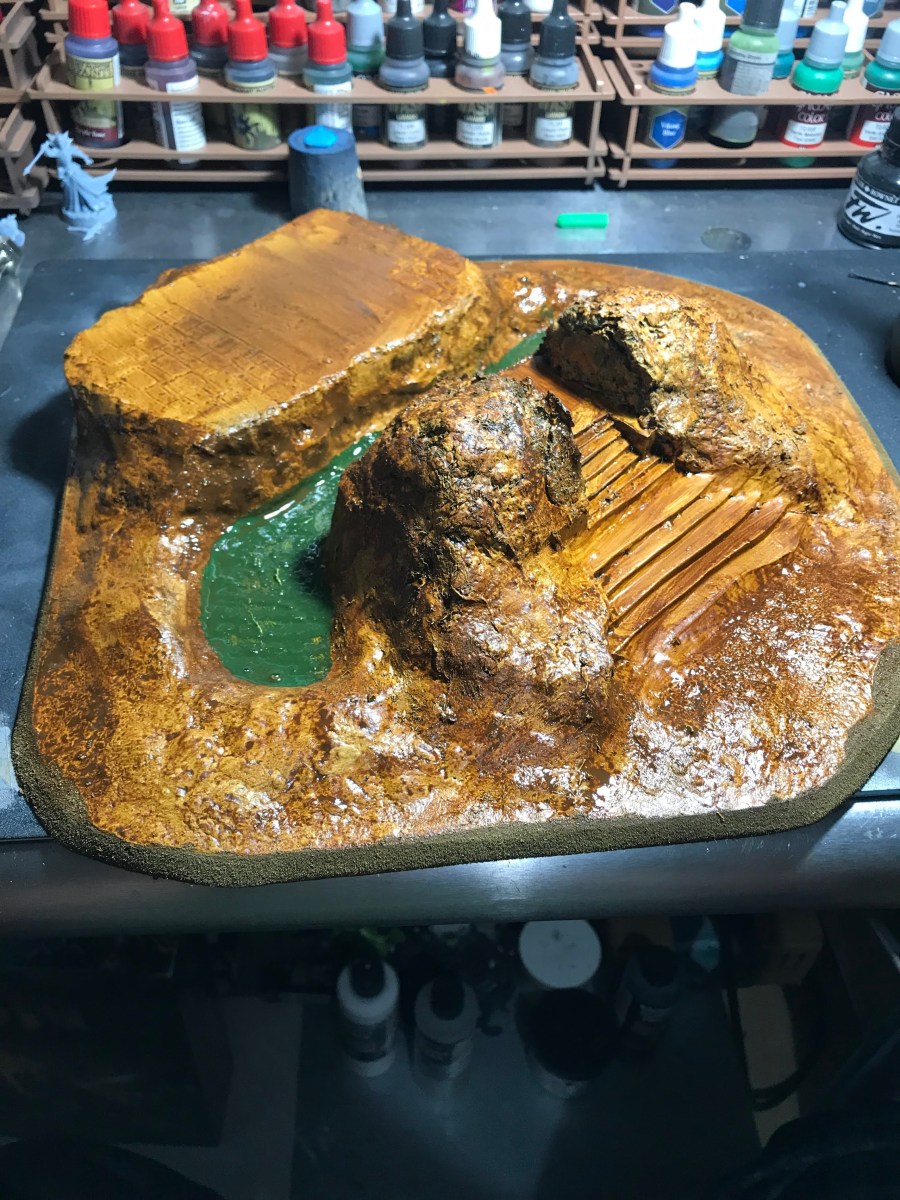
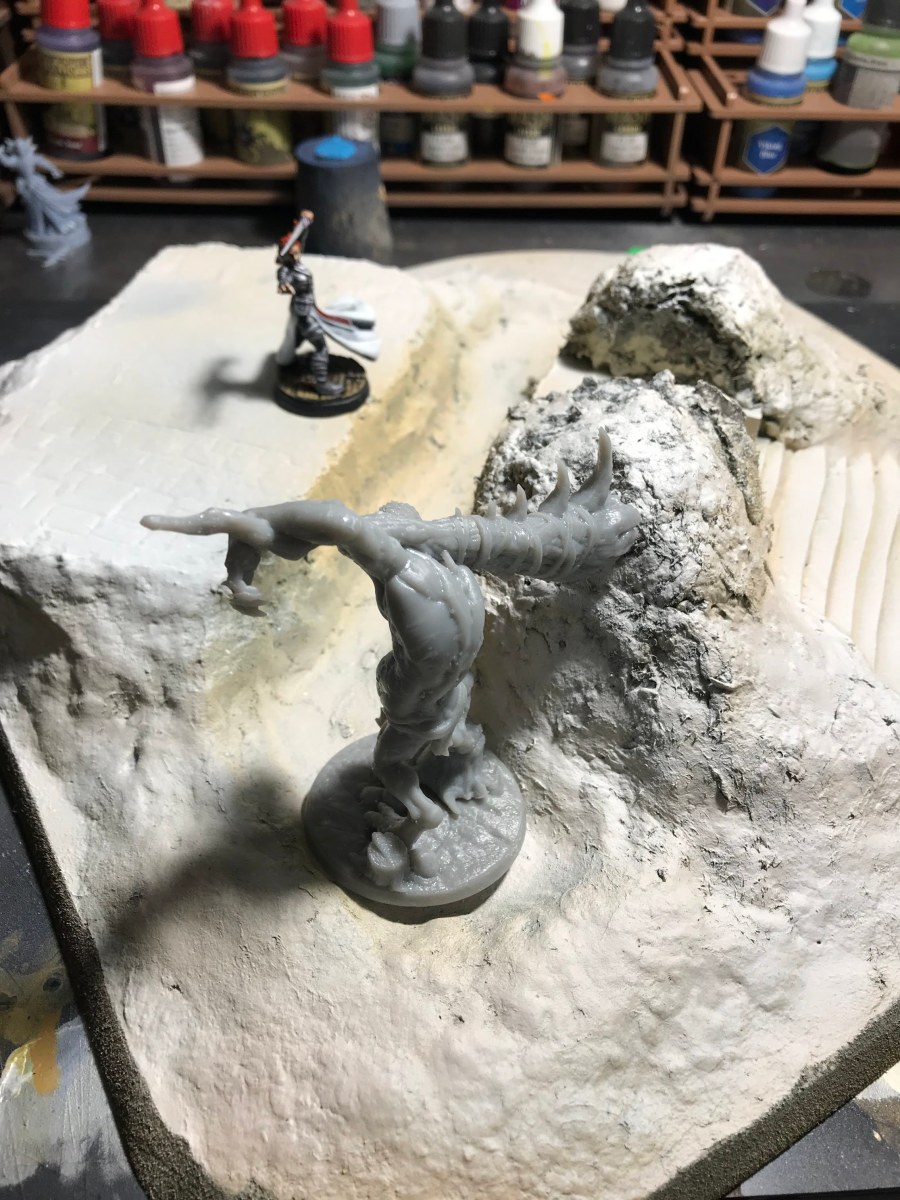
Things start to come together quick at this point in a project! Now that the base is dry, I brushed on a solid coat of cheap brown acrylic craft paint. This is about the only thing that I use cheap craft paint on– it’s perfect for this kind of job!

img_3545

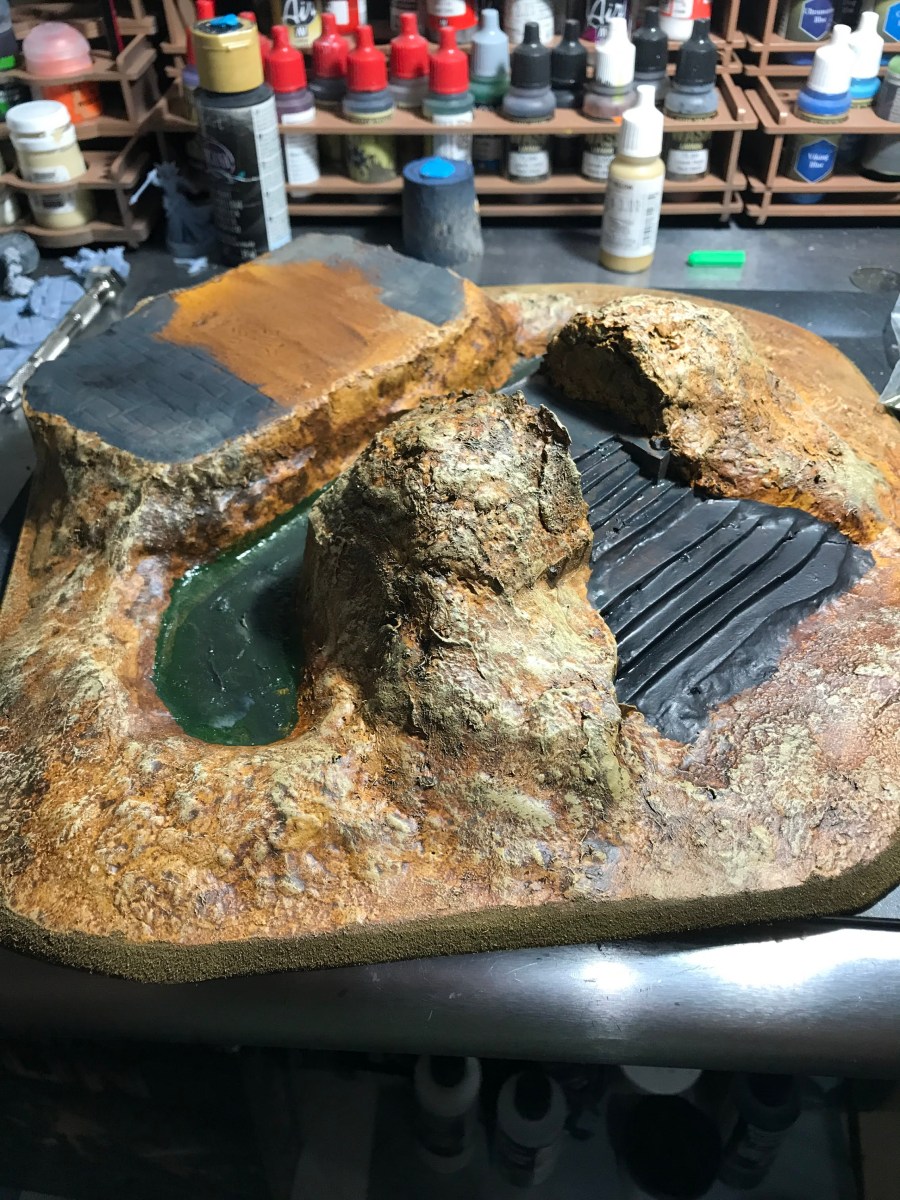
Now that the base color is down, a couple of dry-brush passes bring the base closer to what I’m looking for. I also paint in a layer of green for the moat, which will get filled with clear resin later. The stone work that I carved in earlier gets a coat of grey paint, which will get some highlights and shading later.

img_3546

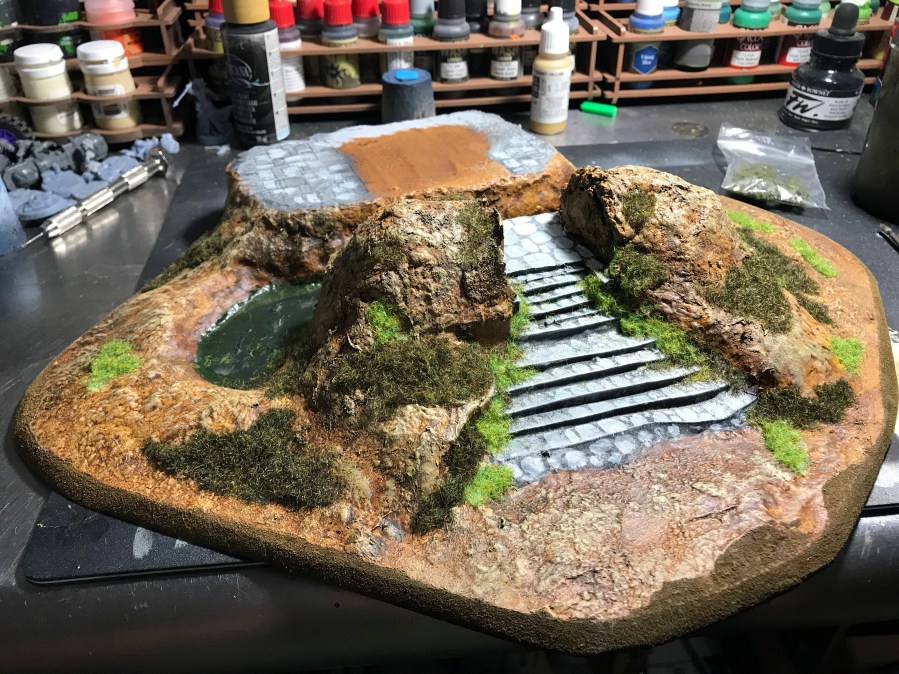
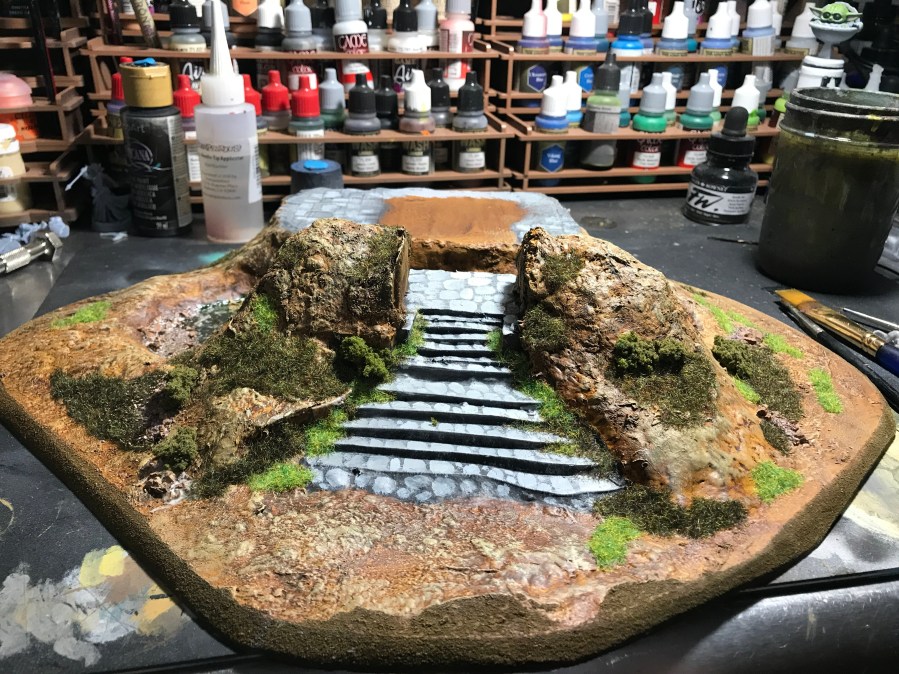
Color blocking is done, so now it’s time for flock. I use a couple of different colors of flocking, and will use some tufts, too. Foliage is never a uniform color or height, right?

img_3547

I took some ground up dried leaves and stuck them to the bottom of the moat with watered down white glue. Shrubbery is the last step here, which has to be glued down using super glue.

img_3548

Next up, it’s time to fill that moat and glue down the building!

Scratch-Build Fantasy Village, Part 4

The bulk of the first building is done, but it was looking kind of sad on its own. This here project was in pretty dire need of some elevation. Lucky me, there is quite a bit of MDF just hanging out in the garage looking for a project connection!

img_3497

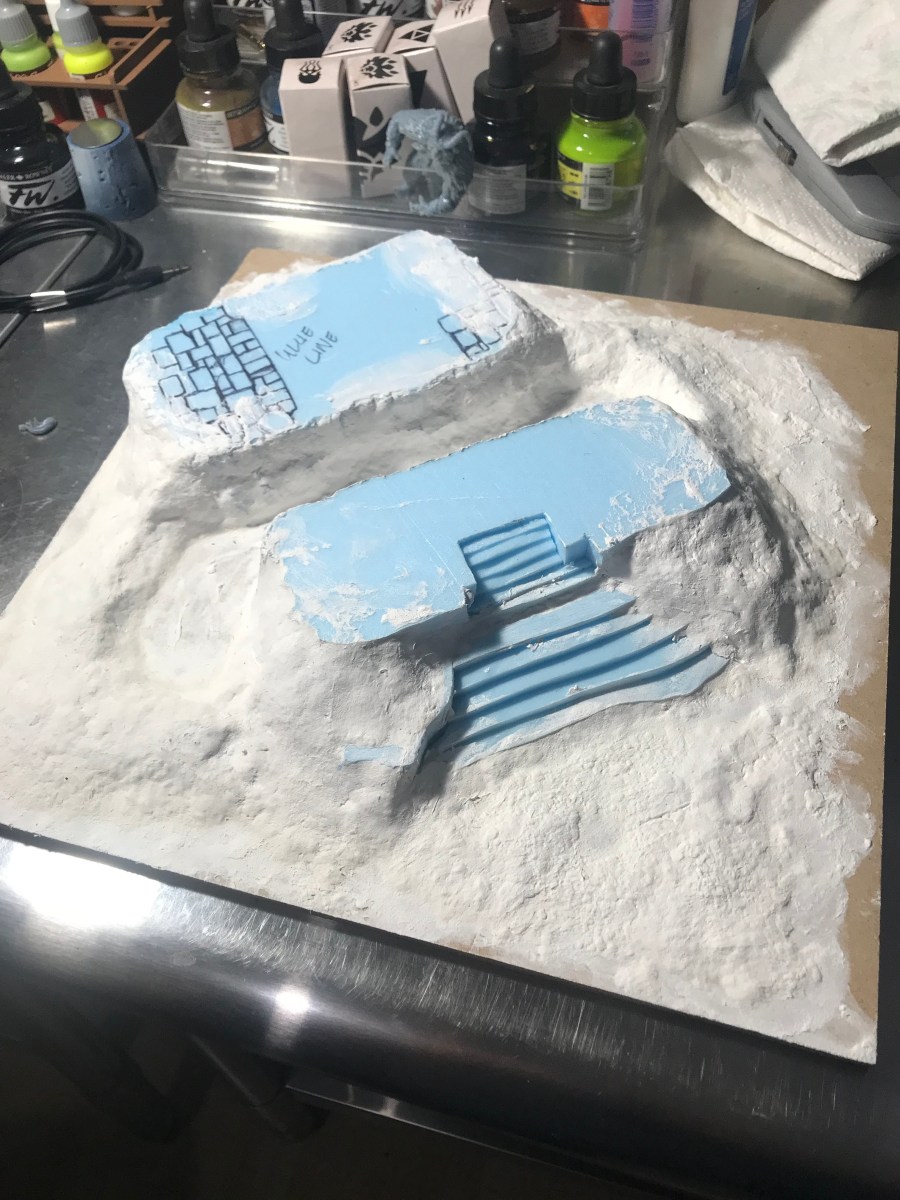
First things first, I cut some blocks of blue insulation foam with my trusty Proxon foam cutter. Then I cut a deep recess into one of those blocks, and cut up the recess to make some narrow stairs. I used a ballpoint pen to carve in some stone detail.

img_3539

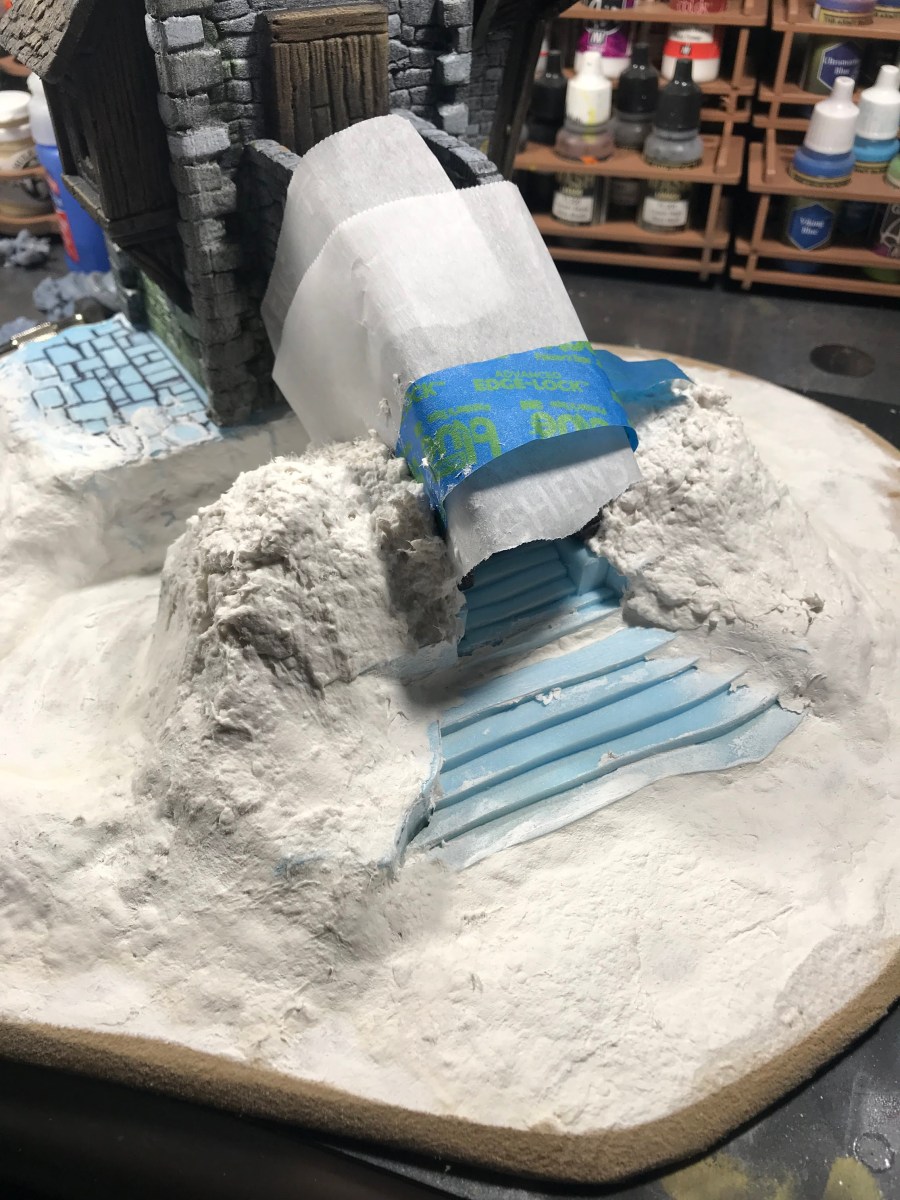
I place used the building to make sure that the separate blocks were far enough apart, and glued them down to the MDF. Then it was time to use some Celluclay to bulk out the base to make the whole thing look like mounds of earth.

img_3540

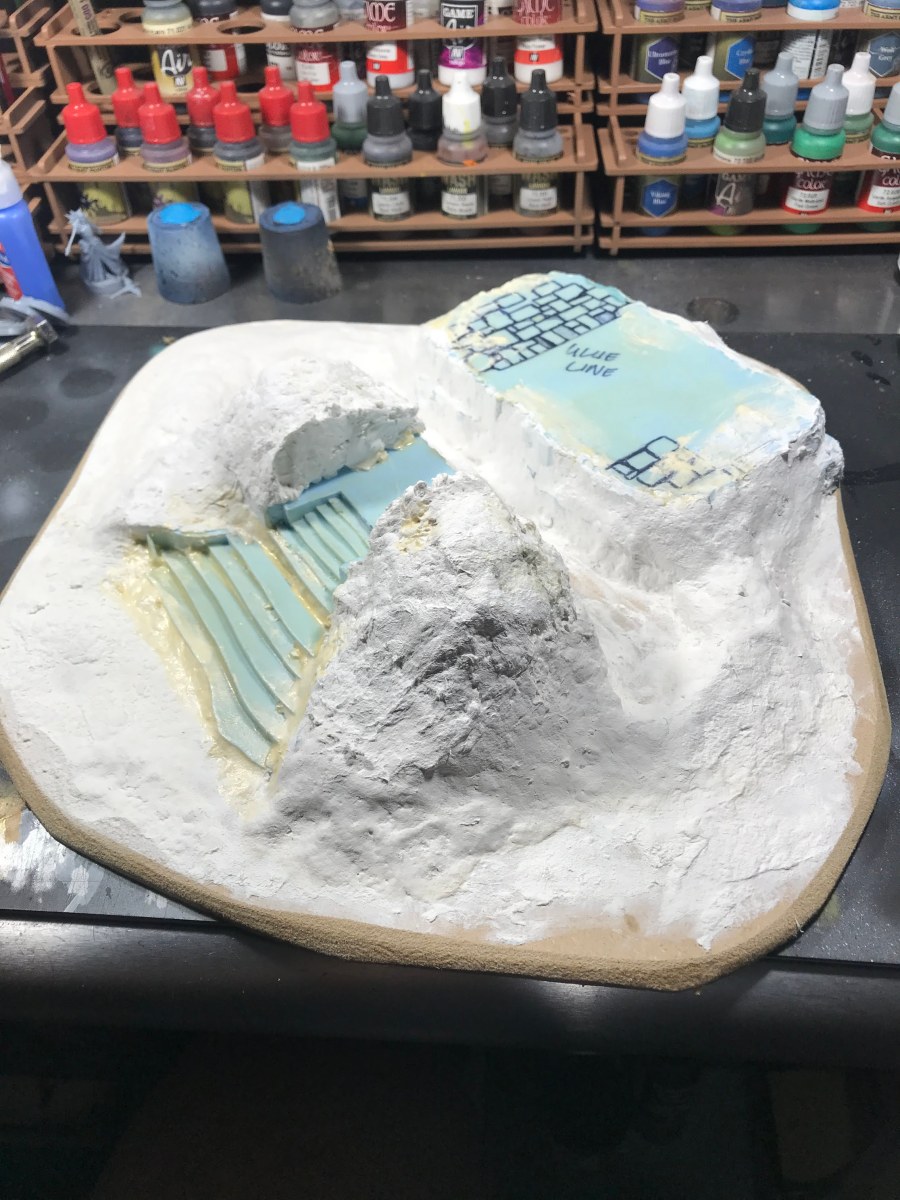
Next, I shaped the MDF with a saw and a small detail sander. Once I got the shape down, it was time to build up some more earthen mounds around the stairs leading to the tower.

img_3544

Now to wait for everything to dry, and then get some paint down on this!


Print/Paint Spotlight: Elf Ranger

Peeps, we have a winner! After quite a bit of soul searching, I have selected the Ranger that I will be using for my Rangers of Shadow Deep campaign. Drumrolls are not necessary right now, we’re in the middle of a pandemic and loud, repetitive rhythm might startle a neighbor.

Lila Ranger

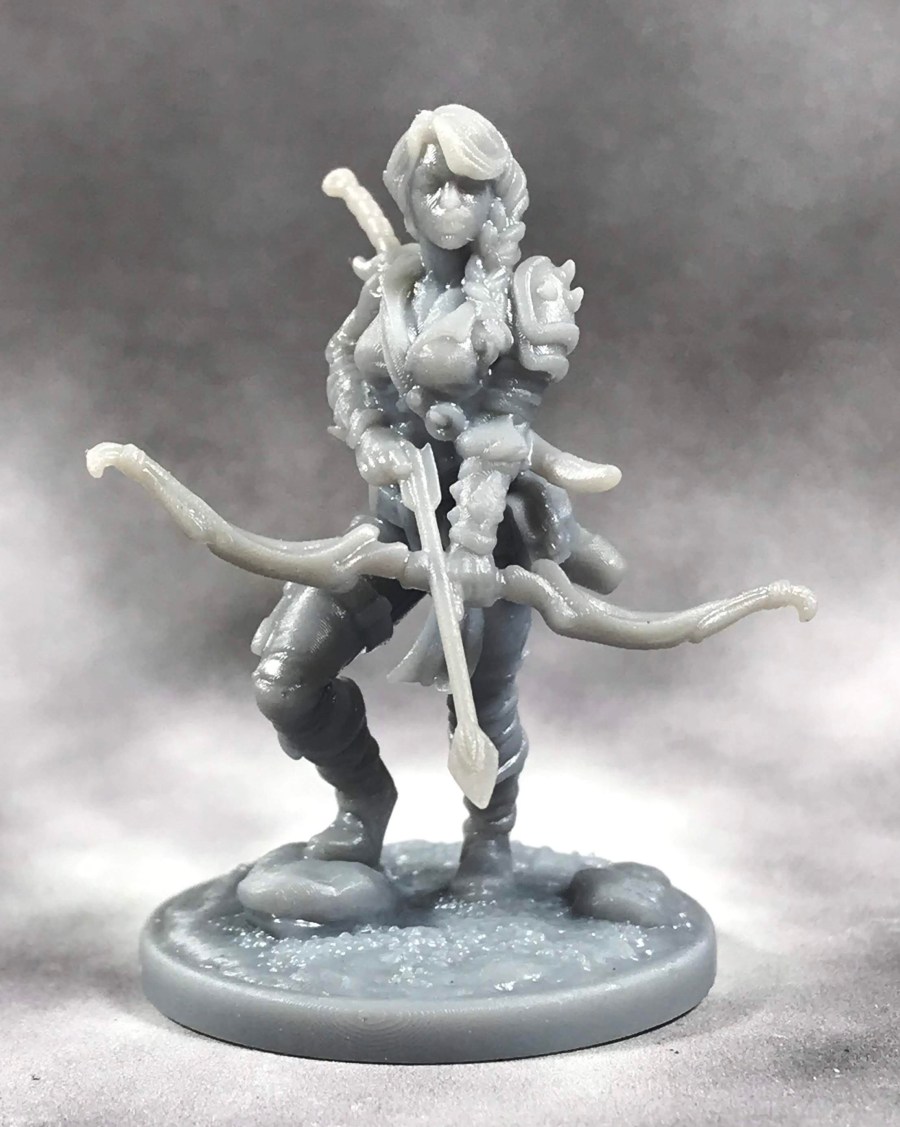
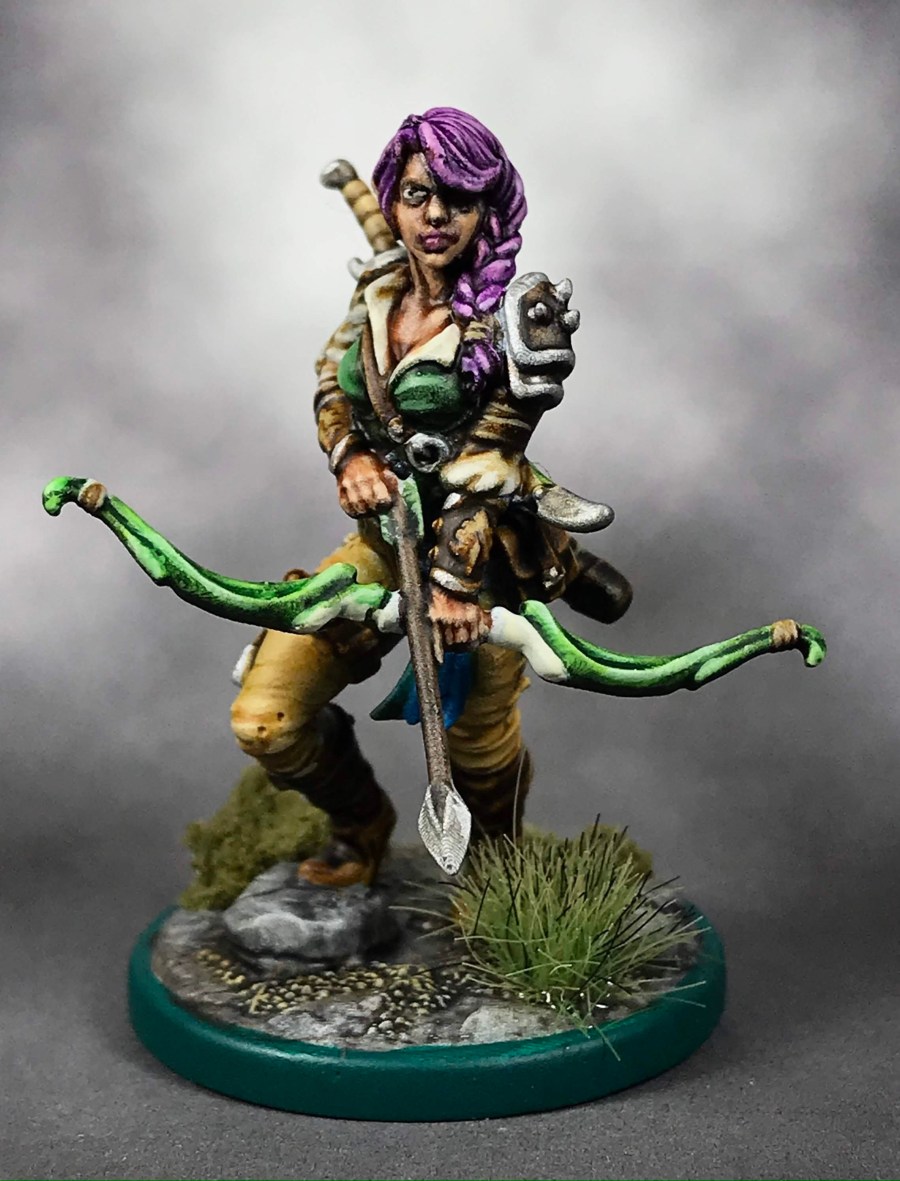
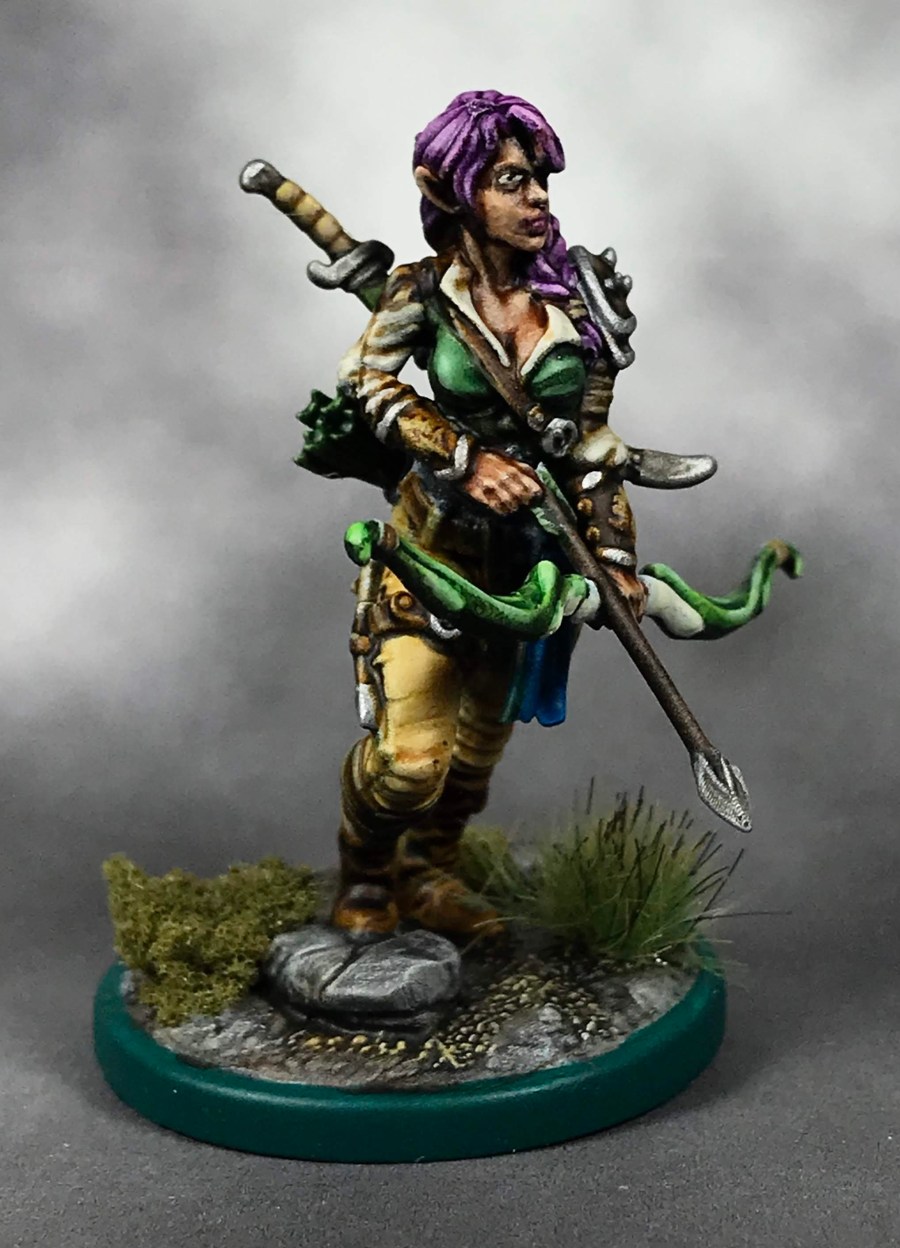
I went with the Lila the Wood Elf Ranger model from The Dragon Trapper’s Lodge. This company releases a great range of figures, each with a main character on foot and mounted, as well as a dragon. The whole range is pretty cool, and very thematic.

Now that my printer is back up and running, I plugged the supported STL file into my slicer software with another five zombies on the build plate, and three some odd hours later, Lila was done!

img_3527

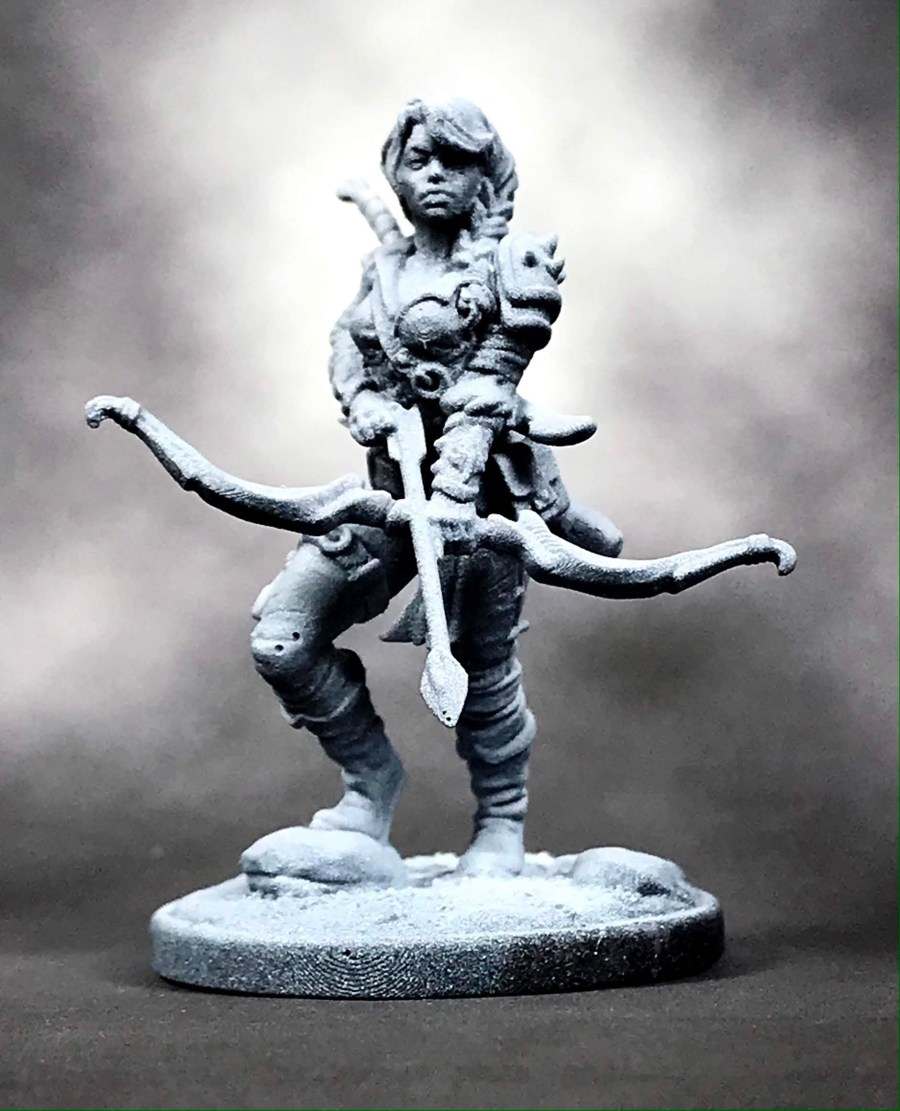
Once she got a UV cure, I went over the model with a black primer in the airbrush, then added a zenithol highlight with white. For those of you who don’t know, the zenithol highlight allows you to see your highlights and shadows before you even commit paint to the model.

img_3526

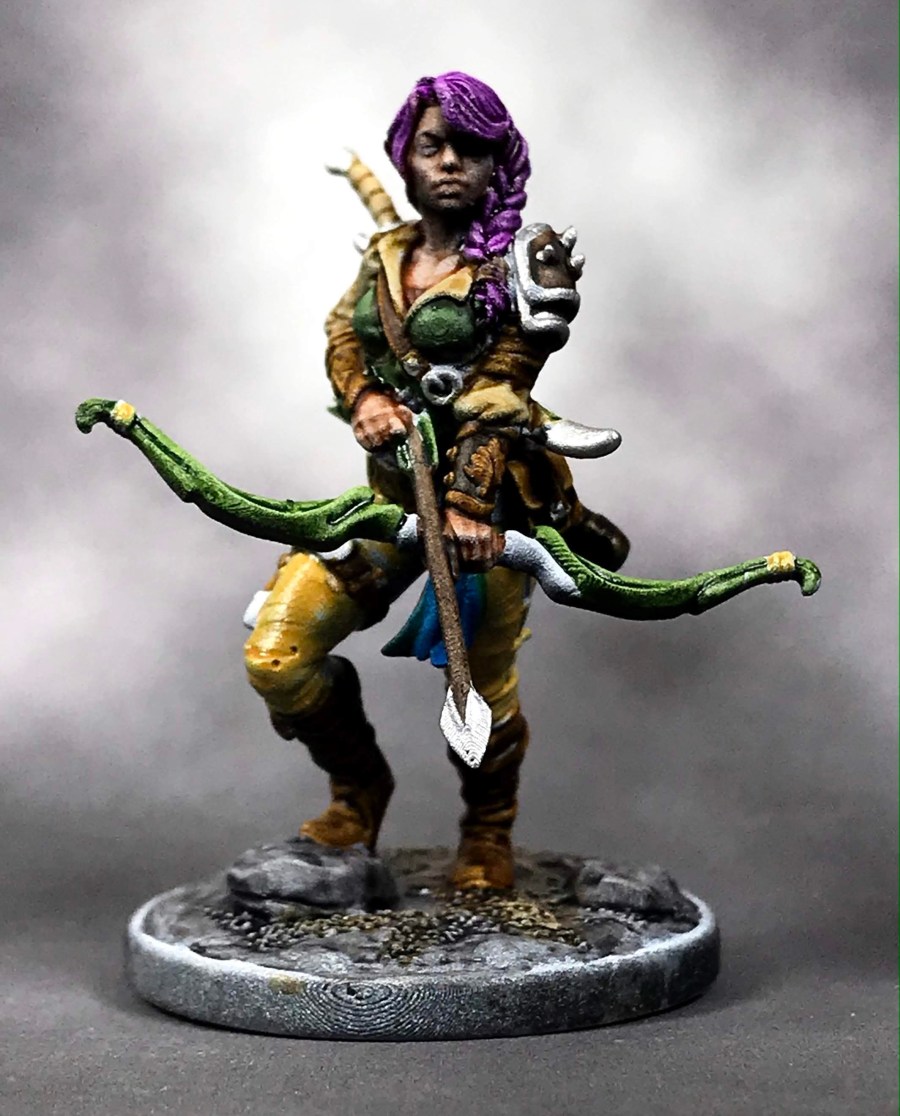
After the highlight, my first color pass went down using Citadel Contrast paints and Daler Rowney inks. This lets me get color on the whole model quickly, but at the cost of having to be really careful afterward. Contrast rubs off of models pretty easily, so use a paint stand and try not to touch the model with anything but your brush.

img_3525

The next step is the highlight pass, where I go over all of the main colors with lighter shades of paint. I use Vallejo airbrush paints for this, since the pigment count is higher, which lets you get more done in less time.

img_3524

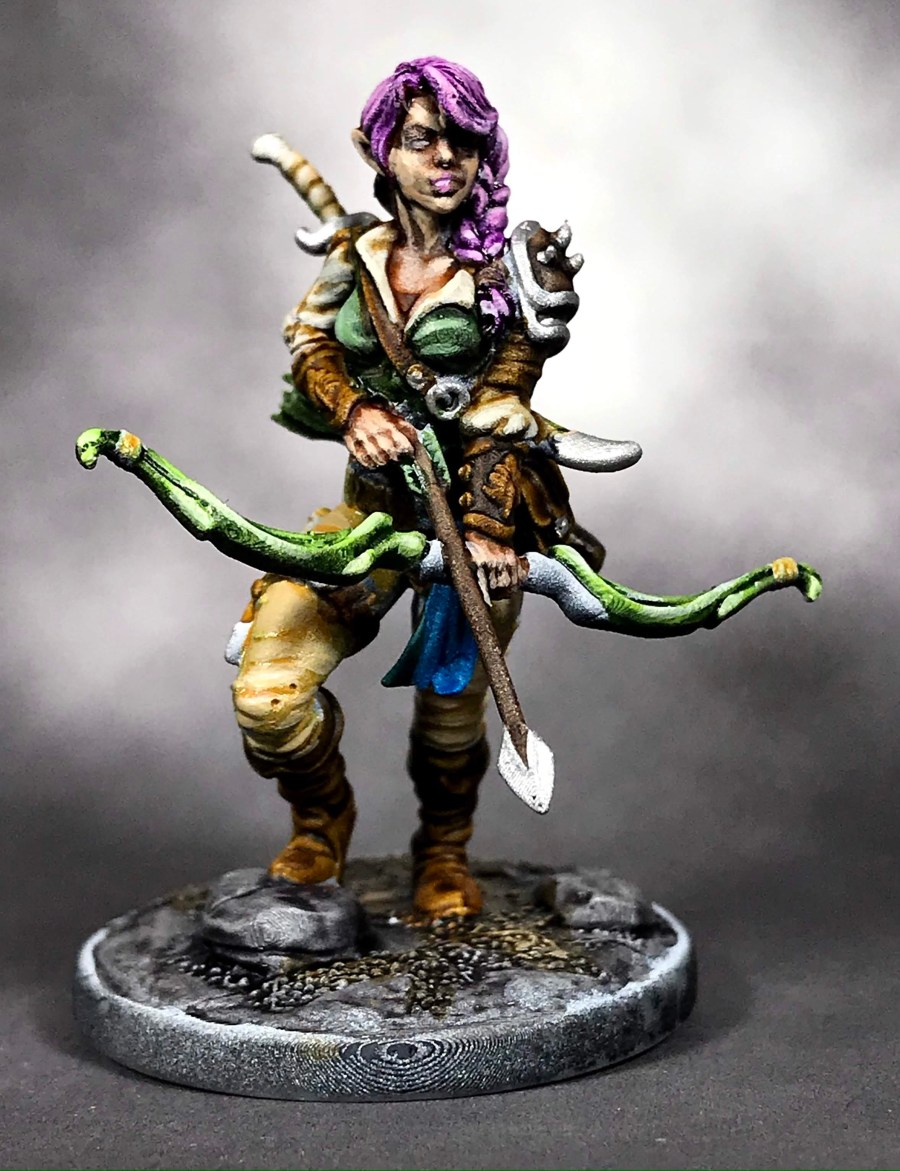
After the highlights dry, I use a combination of citadel shades either straight out of the bottle or diluted with acrylic based floor polish, depending on how strong of a shading effect I am after.img_3523

Using this technique has been a pretty tried and true process for me, and has taken me the better part of 20 years to perfect. Before Contrast Paints came into the picture, I was using inks diluted with acrylic medium, and I only stumbled across zenithol highlighting about 8 years ago! It’s been a long process, but at this point I can get a figure like this one knocked out in about an hour.

img_3522

Which means if I did nothing but paint, I could get the pile of shame painted up in about 400 hours…

It won’t win any awards, but it’s a damned good table top quality that will make me real freaking happy to play a game with!

I think I’ll keep her name as Lila, I just need to come up with a cool last name, and get her stats together! One step closer to my first game of Rangers of Shadow Deep!

If you have a cool last name for an Elf Ranger in mind, leave it in the comments!

Scratch-Build Fantasy Village, Part 3

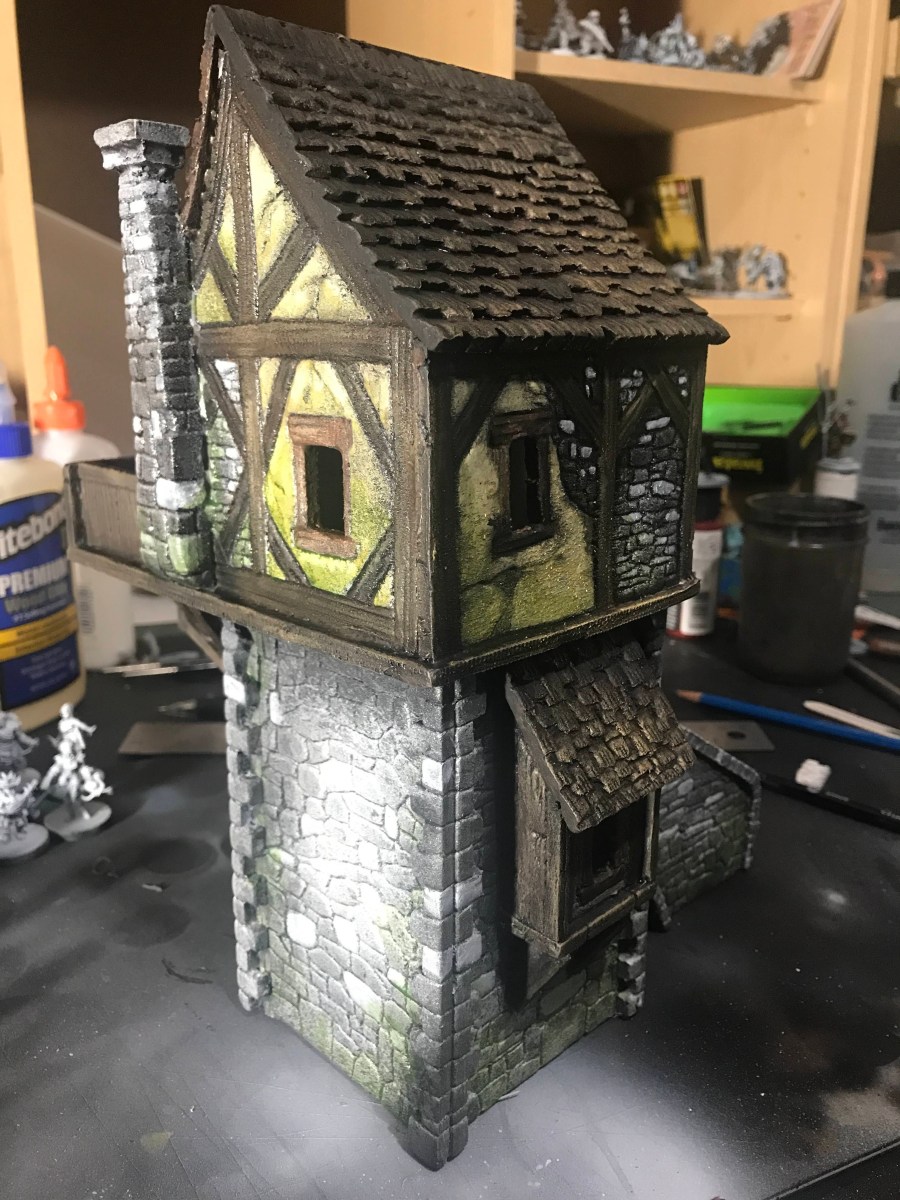
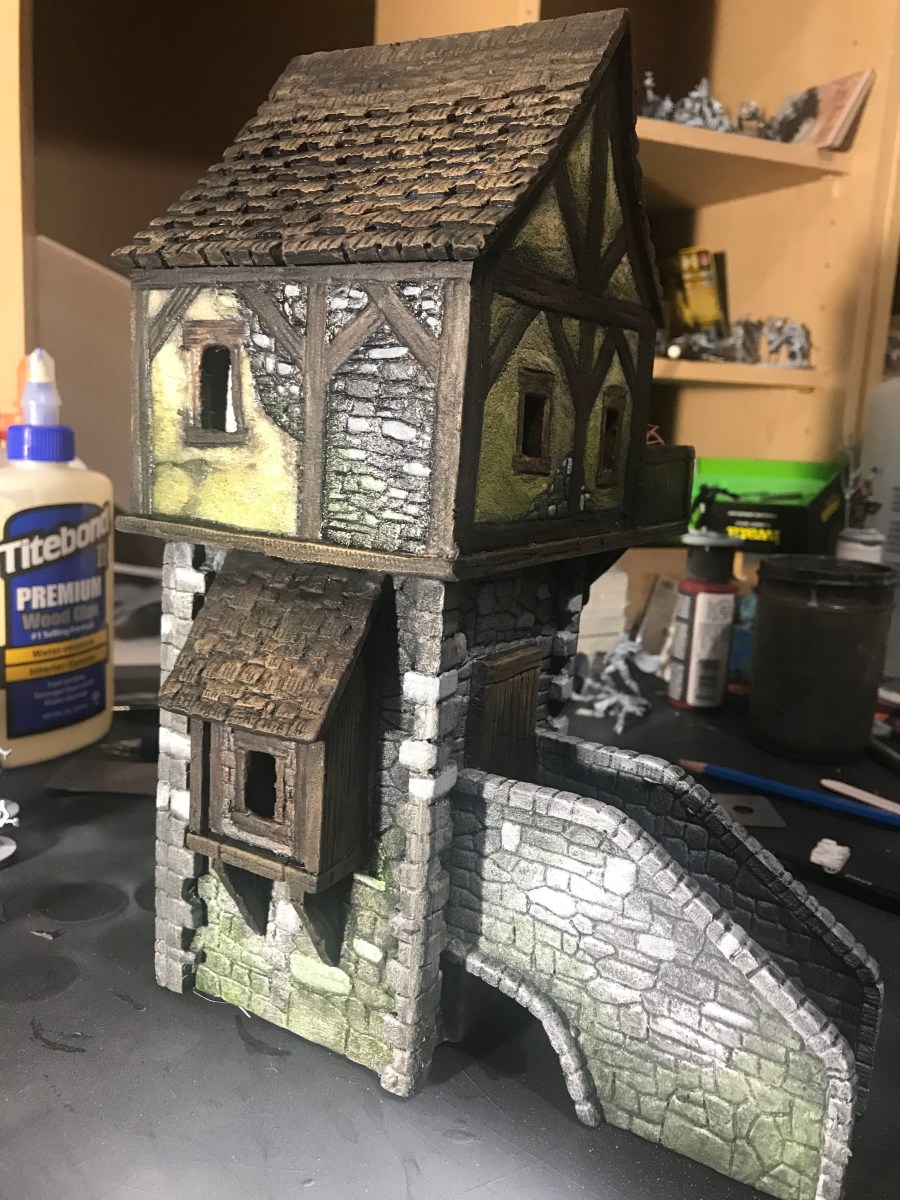
After the tower was sealed in a couple of coats of wood glue and black paint, it was time to get some color on the tower!

img_3441

I blocked in most of the major color areas with my airbrush, then went to town with a cheap wash made of equal parts black acrylic, brown acrylic, and clear acrylic medium.

img_3438

After the first coat of wash dried, I went through with a light dry brush over the whole model. This helped bring out a lot of the raised details.

img_3440

Then I picked out some individual stones to paint lighter colors, and added some wood grain to the timbers. Then everything got another series of washes, with either a moss green with clear acrylic, or Payne’s Grey with clear acrylic. This aged everything up a bit, and added a more lived-in feeling to the model.

img_3437

Something this big and cool looking needs a base to tie it all together, so that will be the next step in the project!

TRAGEDY…Averted?

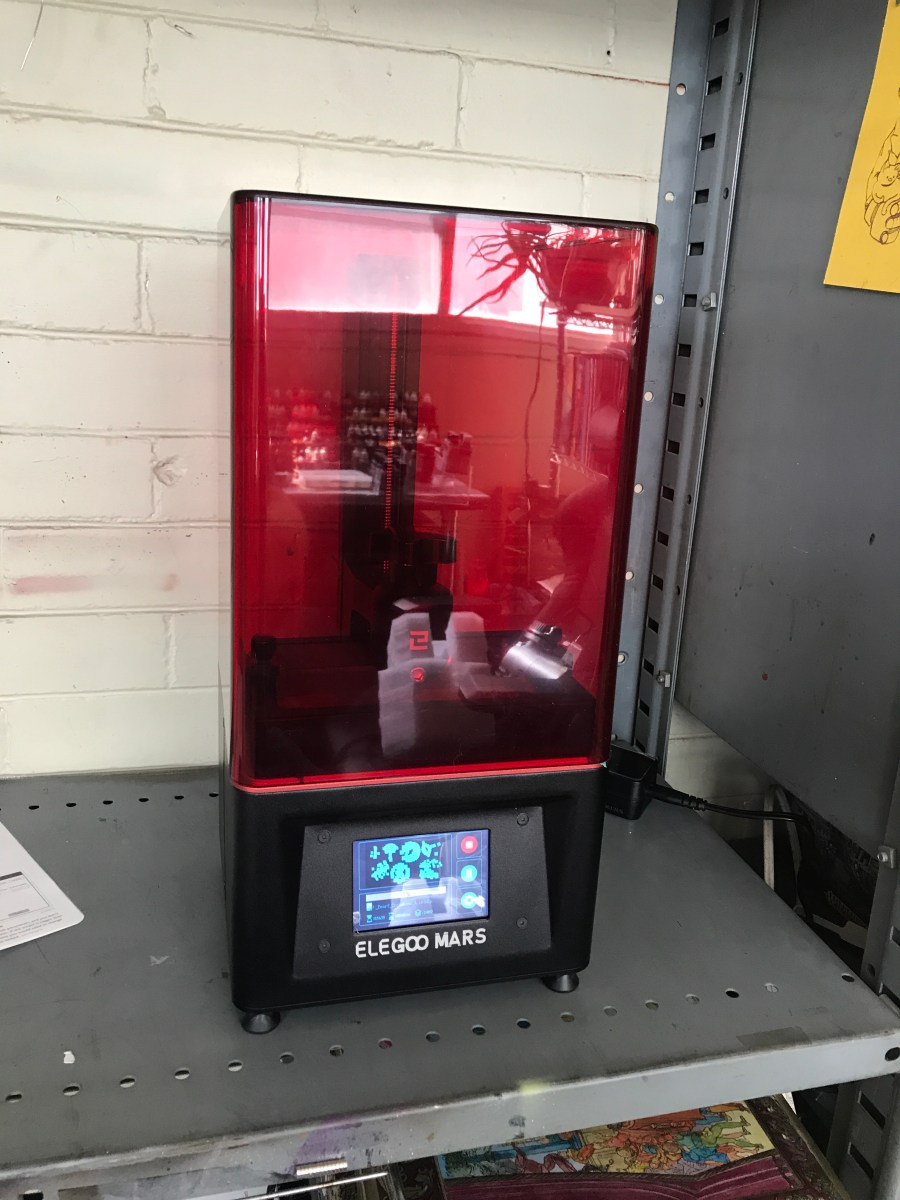
On April 10th, my hobby world changed in an interesting way when my new Elegoo Mars 3D resin printer showed up at my house. I had been debating the purchase for over six months, but I had a pretty good bonus, the bills were paid, and I decided to jump in.

img_3460

The first week was pretty rough, with a lot of failed prints and hard lessons learned. I finally got my settings dialed in, found a good little heater to keep the resin liquid in our chilly April weather, and managed close to 3 dozen fantastic prints. So many cool minis joined my collection, and I joined 3 cool printing communities to celebrate and share pics of our amazing prints.

img_3513
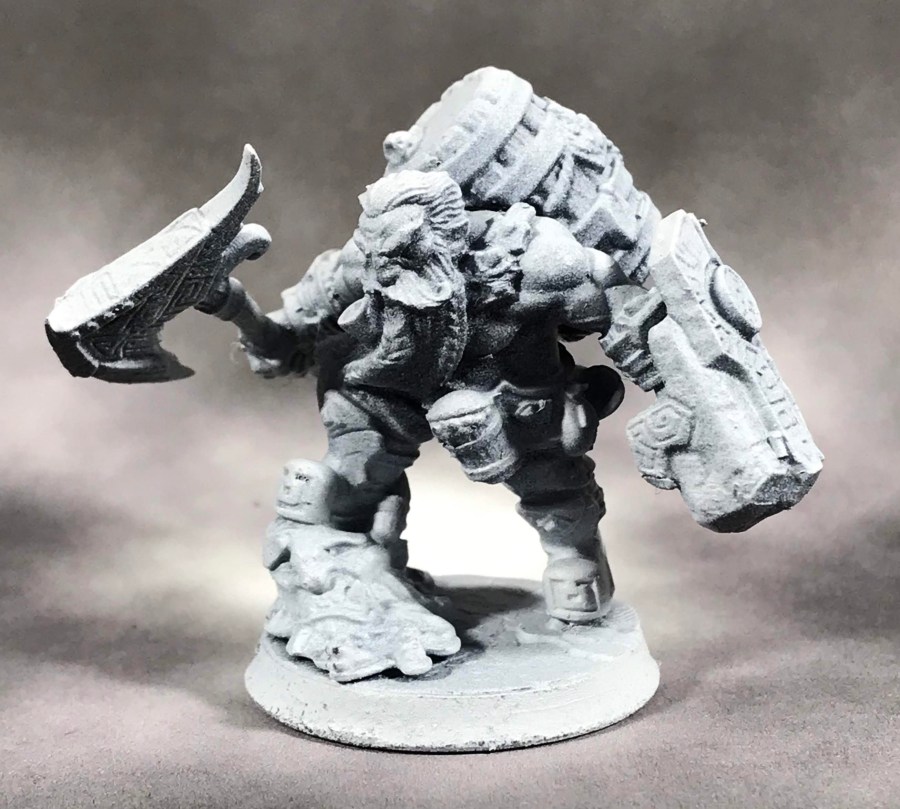
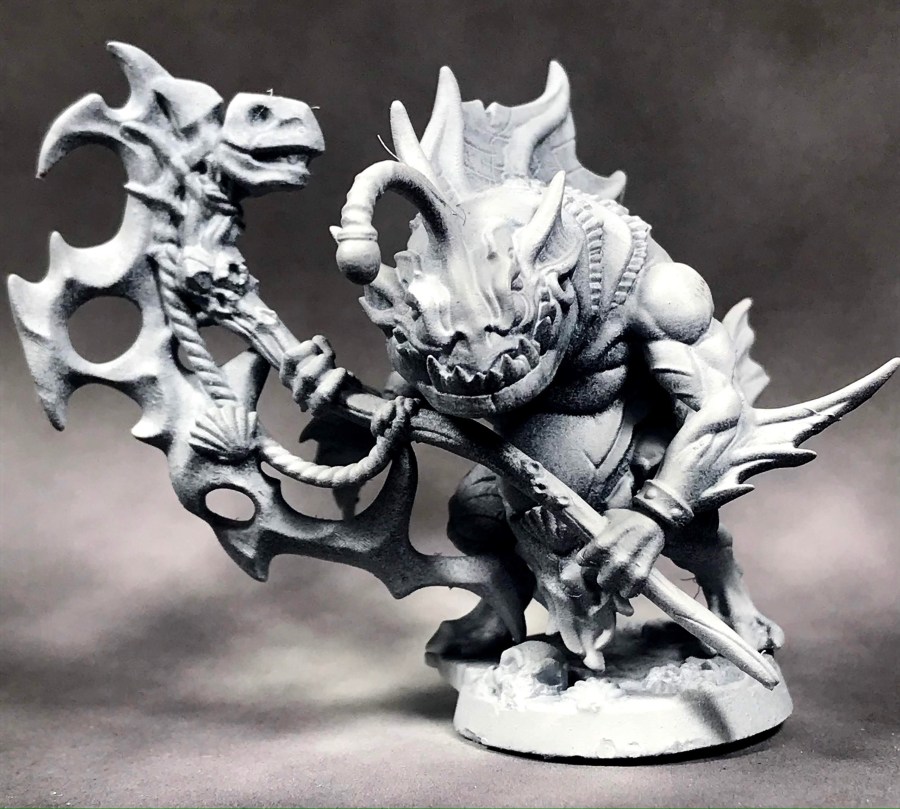
Successful Print #1, Gino the Dwarf from Artisan Guild

Then, the unthinkable happened. About a week ago, I noticed a weird hole appearing in some of my mins, like someone had drilled a hole through them. It was baffling. I hopped on one of the 3D communities, and some really cool people broke the news to me gently.

img_3514
Pope Blobulba from Artisan Guild

My LCD screen was burning out.

I had only had the printer for 3 weeks, and while it had already paid for itself easily, I wasn’t ready to pay to get it serviced. I contacted Elegoo directly, a really patient customer service rep walked me through a diagnosis, and yep. The LCD was fried.

img_3515
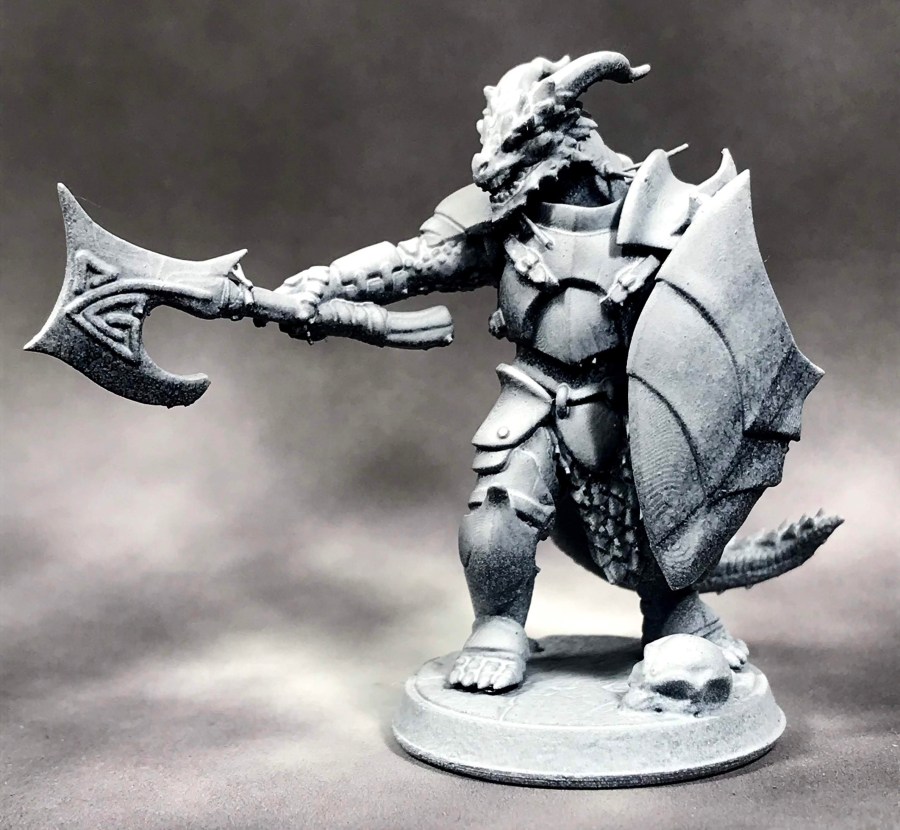
Dragonborn Hero from Titan Forge

I was told a replacement part would come, and that it would take two weeks to get to me. I resigned myself to painting some of the finished models, and settled in for my two week wait.

That two weeks was three business days. My replacement screen arrived Monday afternoon, and after work I settled down to watch a YouTube video from Elegoo on how to change the LCD screen.

img_3516
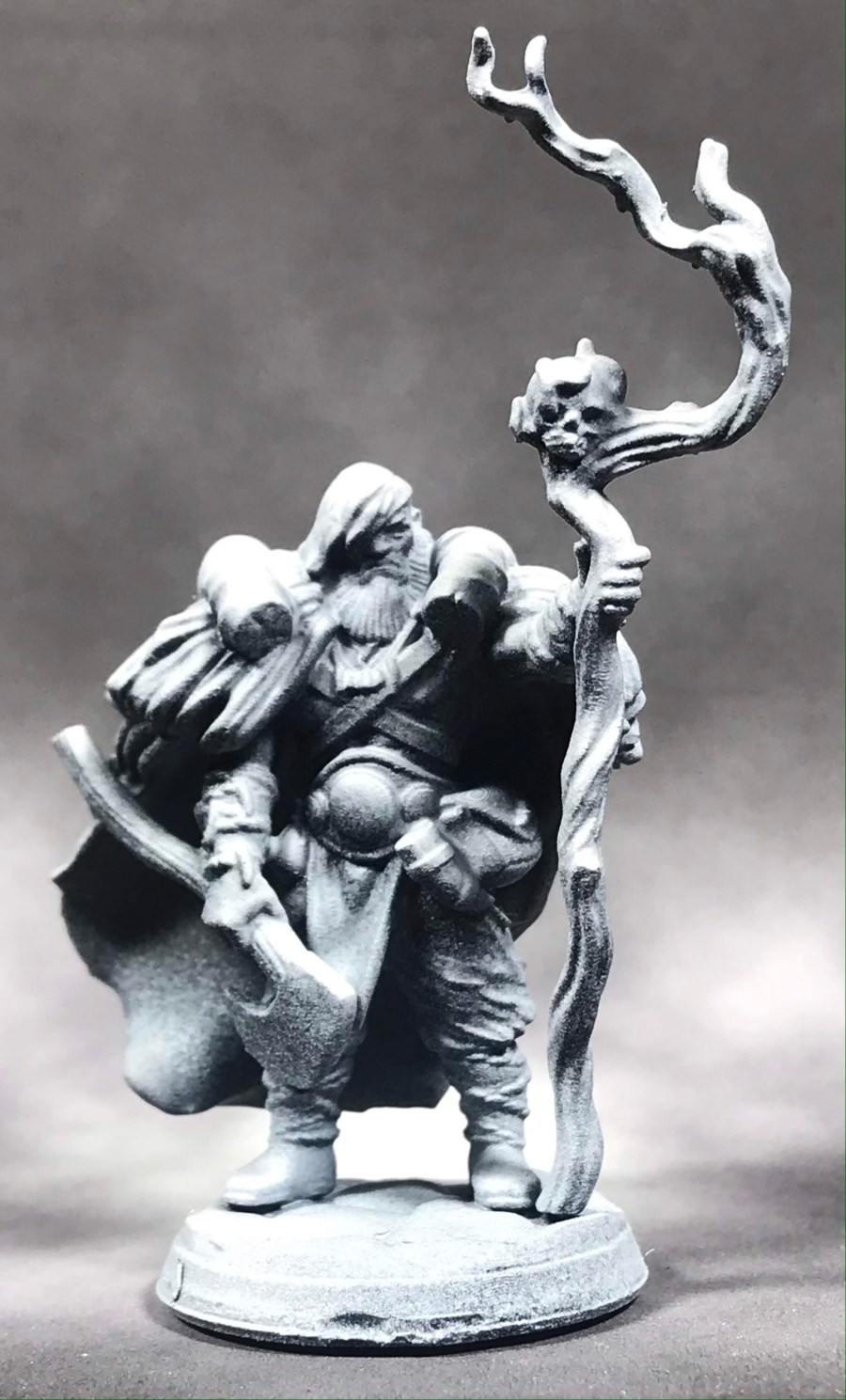
Druid Hero from Titan Forge

The video showed a fairly complicated procedure, but I figured if I took notes, I could get through it. Then the video switched to motherboard model B, and it was just a couple of swapped out relays. Then motherboard model C came up, and it was literally one quick swapped out relay, pop out the old screen, and replace it with the new one. Connect the relay, and test your settings.

I have a motherboard model C.

The whole procedure to replace my LCD screen took less than 10 minutes. That’s pretty staggeringly cool in my book!

img_3517
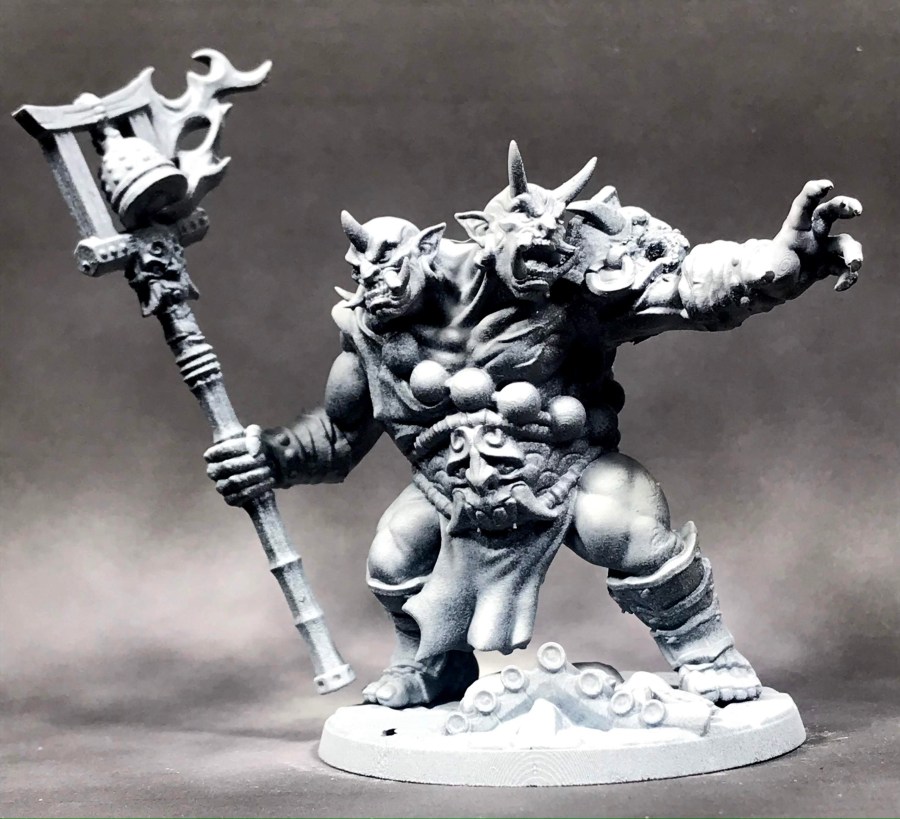
Ogre Mage from Artisan Guild

I ran the diagnostic, and everything came up aces. Tomorrow, I am printing up my Ranger and a whole slew of zombies! My enthusiasm for the Elegoo Mars really went up a couple notches today.

I can’t wait to get more prints ready to paint, and get my Rangers of Shadow Deep on!

Scratch-Build Fantasy Village, Part 2

Confession time– I just invested in a new FDM printer and a pretty amazing series of files for terrain building, so it’s hard to say how much of this kind of building I will be doing in the future. That being said, I love a good scratch build, so I’m almost certain I’ll keep at it to some capacity.

Plus, western civilization collapsed a few years back. It’s hard to say how long we’ll be able to pick up spools of plastic for printing. You can decide whether I am joking or not, because I sure the hell don’t know anymore.
img_3431

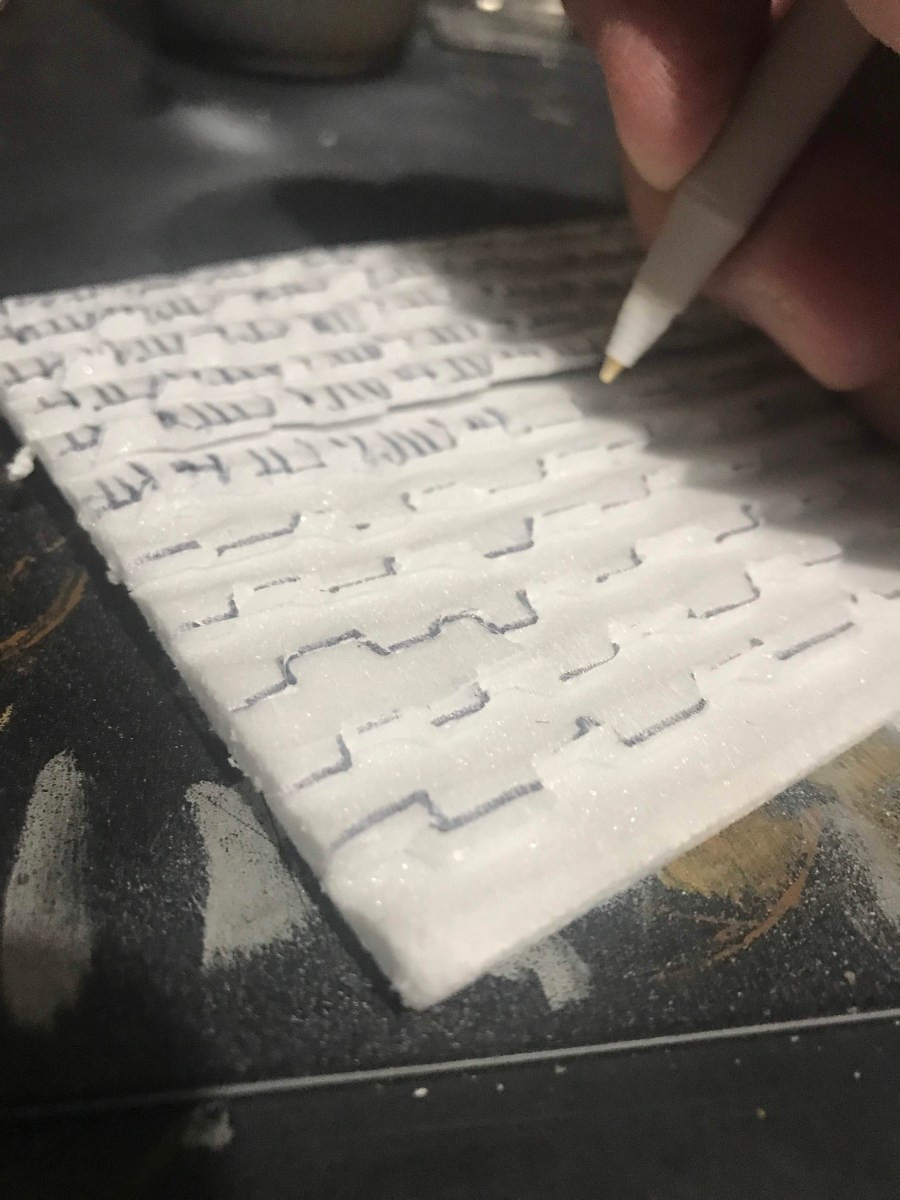
With the base of the building established, it was time to get to work on some components for the rest of the structure. I am using really cheap foamcore that I picked up at Dollar Tree, because the paper peels off super easy, leaving a dense, easy to carve foam ready to play. For the shingles on the roof sections, I just carved my shapes with a ballpoint pen, then went at it with a blade to get the slopes and shaping.

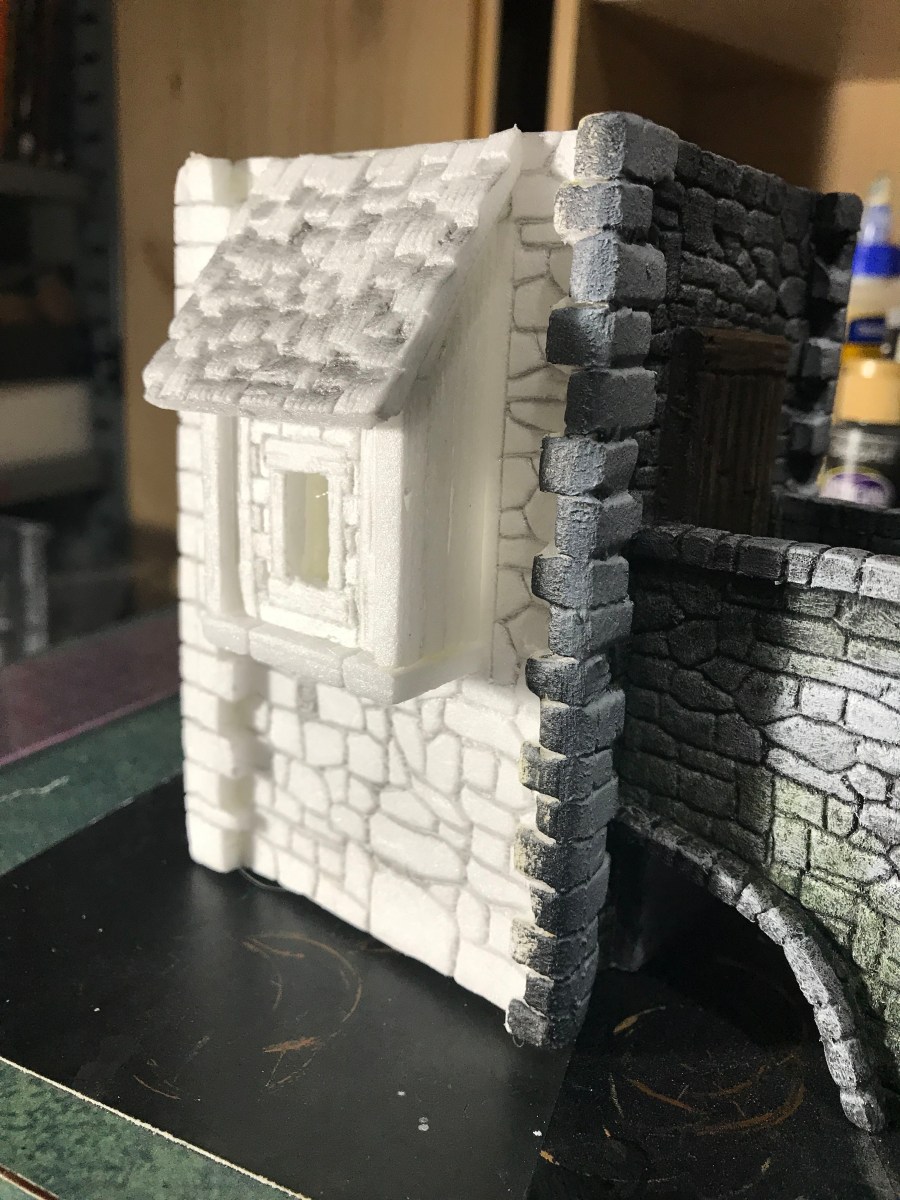
This technique allows me to do some pretty cool effects, like this dormer that I put in on the lower floor of the tower:
img_3425

All of the detail is just carved directly into the foam, either with a balloint pen or a good pencil. The ballpoint gives crisper detail, and I think it might be my favorite technique. This is also the first time I assembled a building like this with hot glue, which sped up the whole process incredibly.

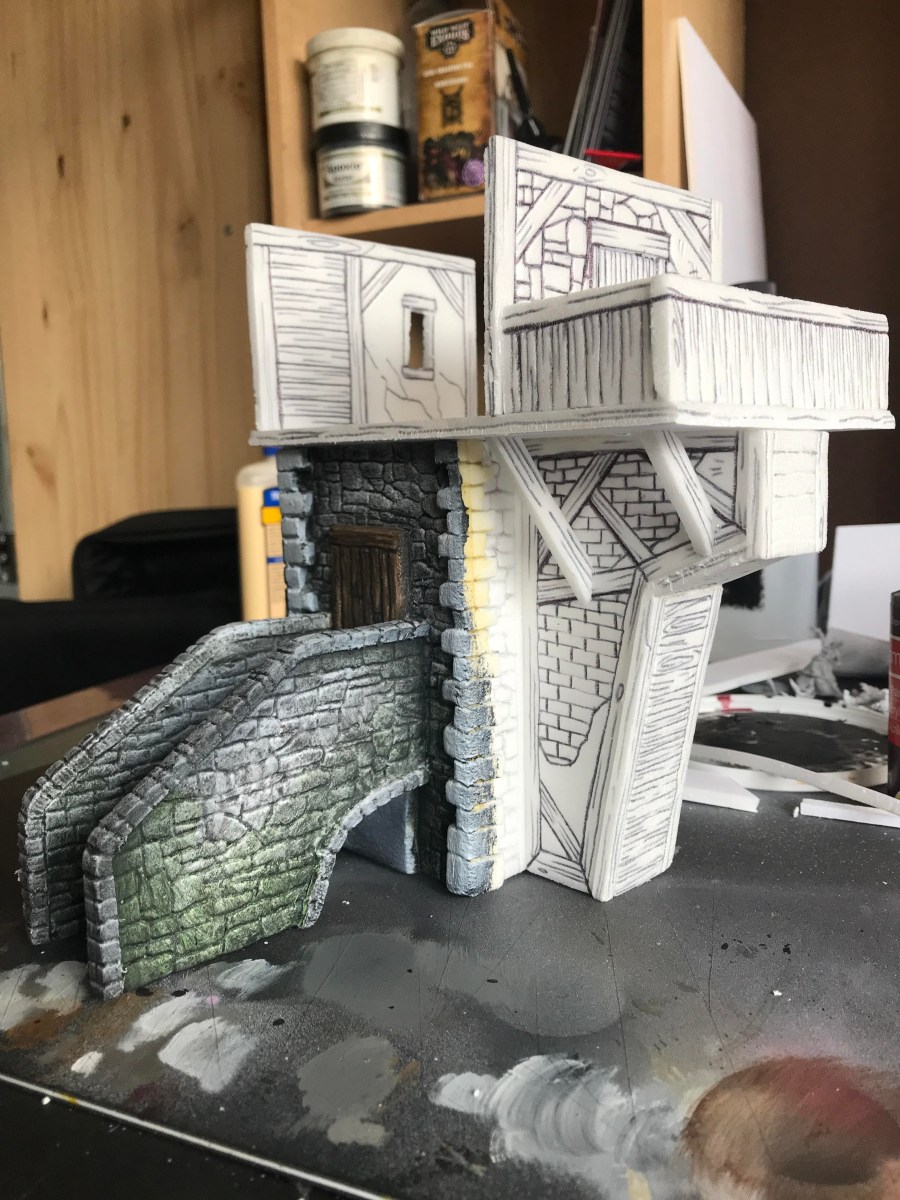
It was time to add the next floor up. I opted to go with a full interior at first, but changed my mind as I went along.
img_3426

I decided to go ahead and do the support beams in foamcore, too, since everything will get a couple of coats of wood glue to seal up the foam and strengthen the sculpt. Wood glue has a bit of resin in it, so it will help toughen stuff up quite a bit.

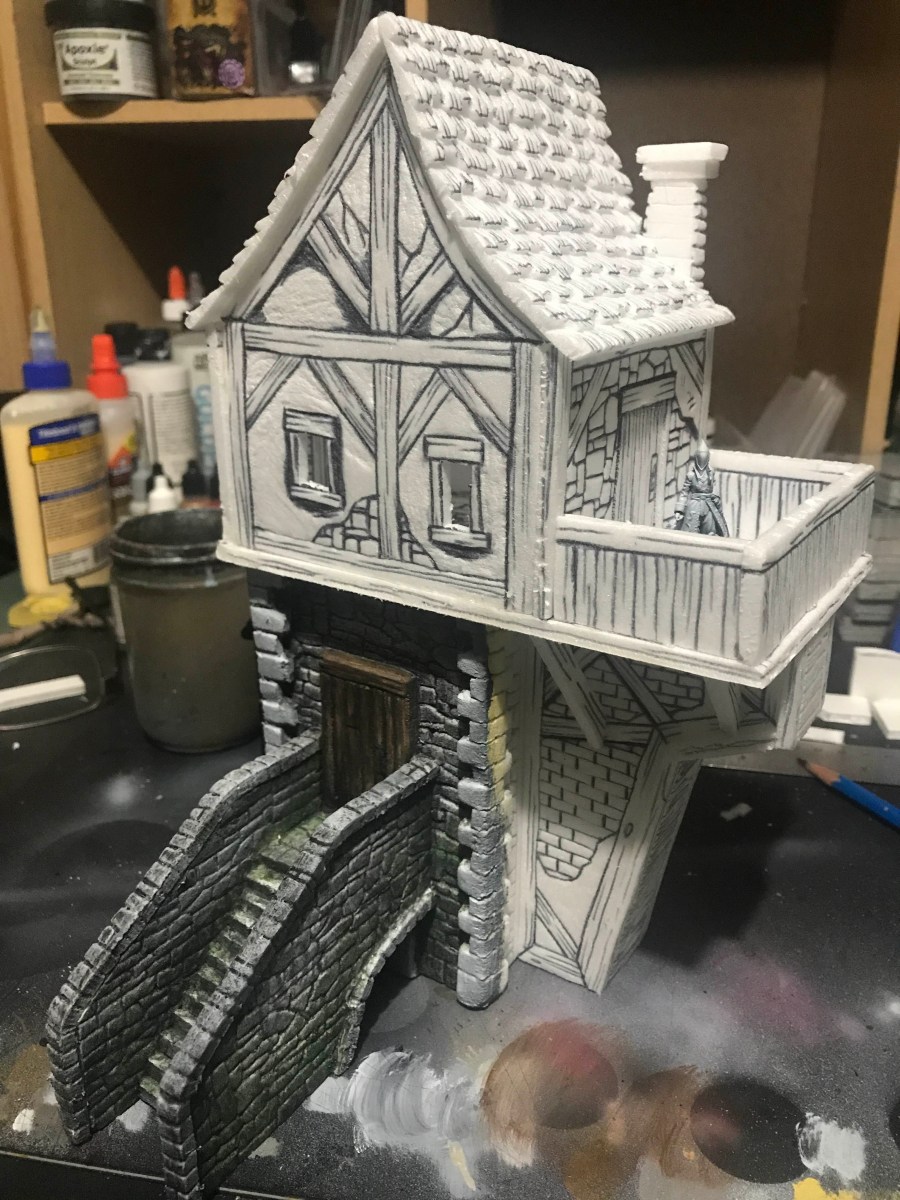
The whole build took about four hours, and ended up being pretty cool!
img_3432

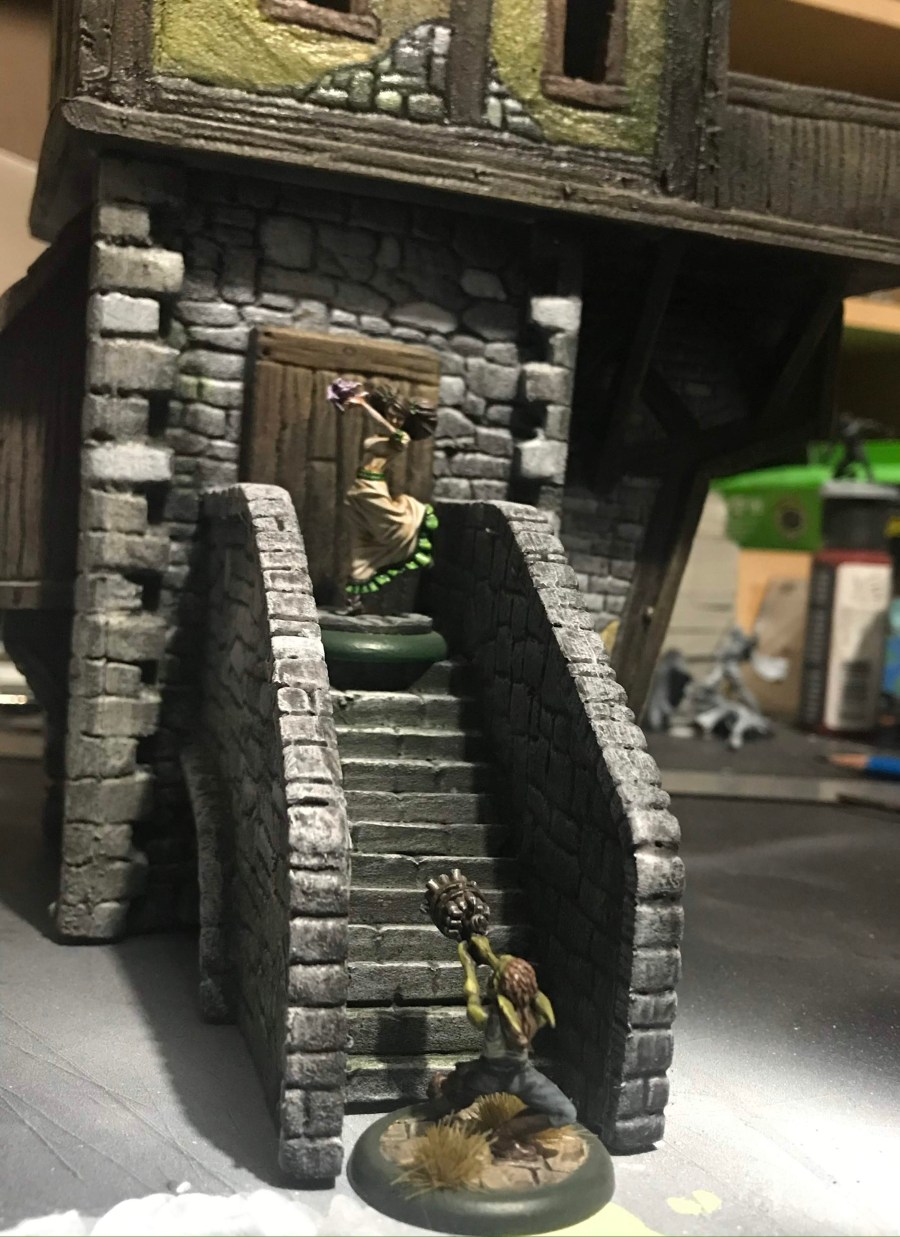
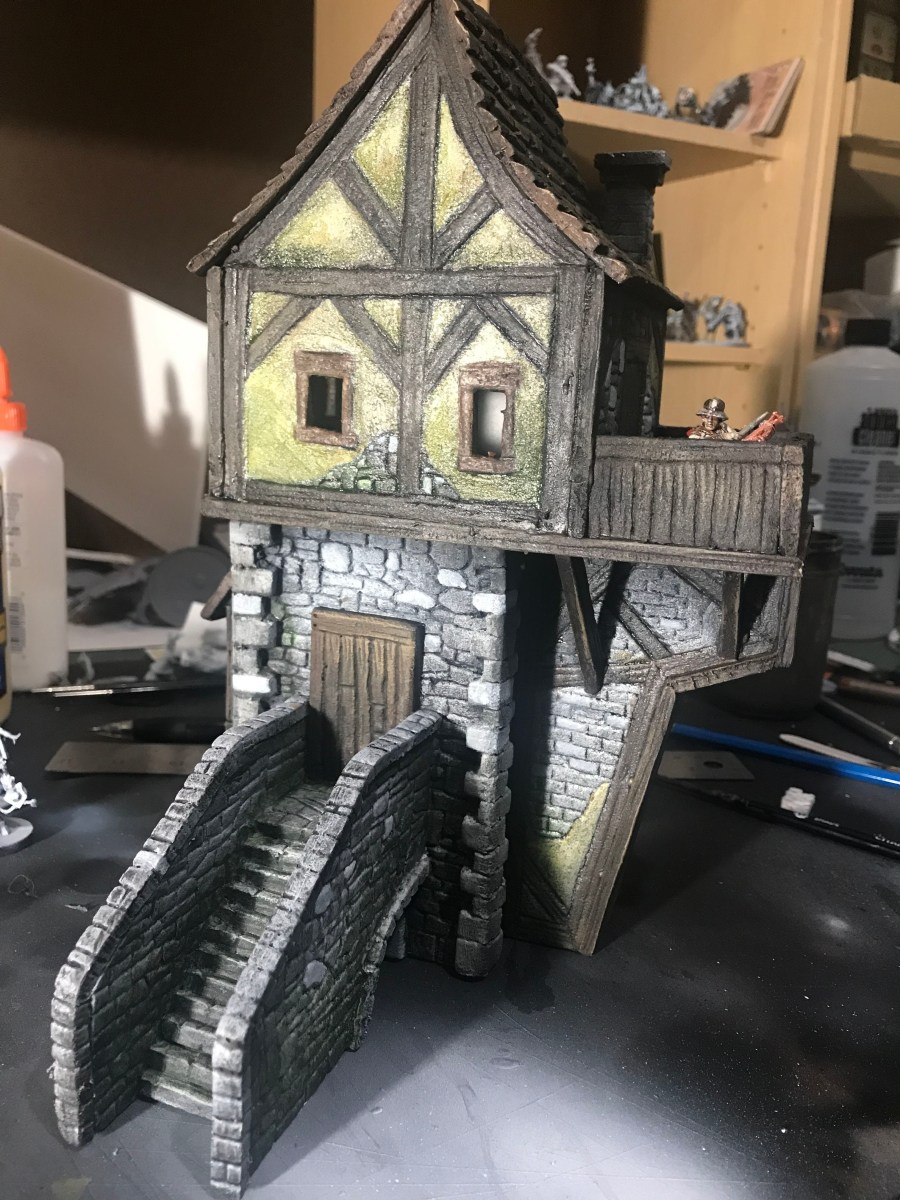
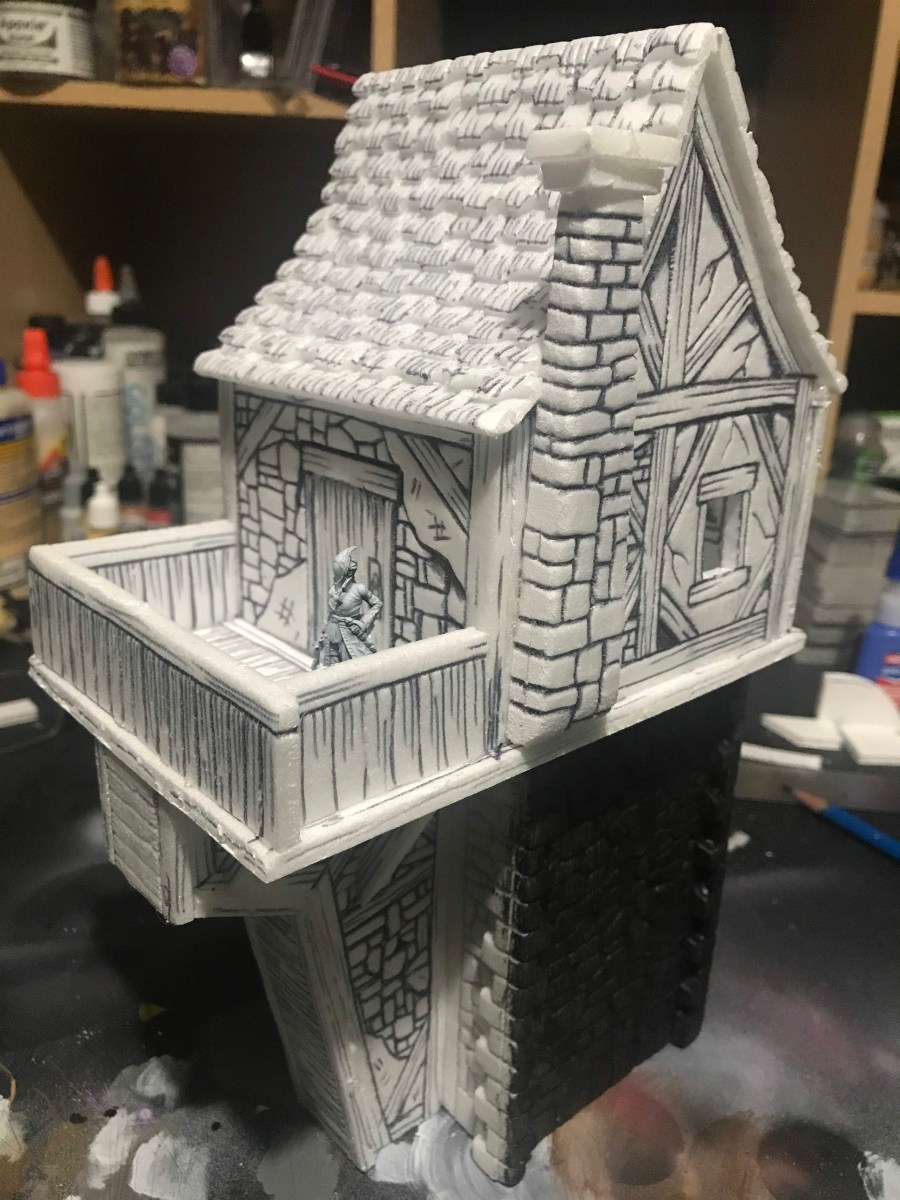
I put in a balcony for snipers in a skirmish style game, and plenty of exposed brick and timber to go with the stucco.
img_3435

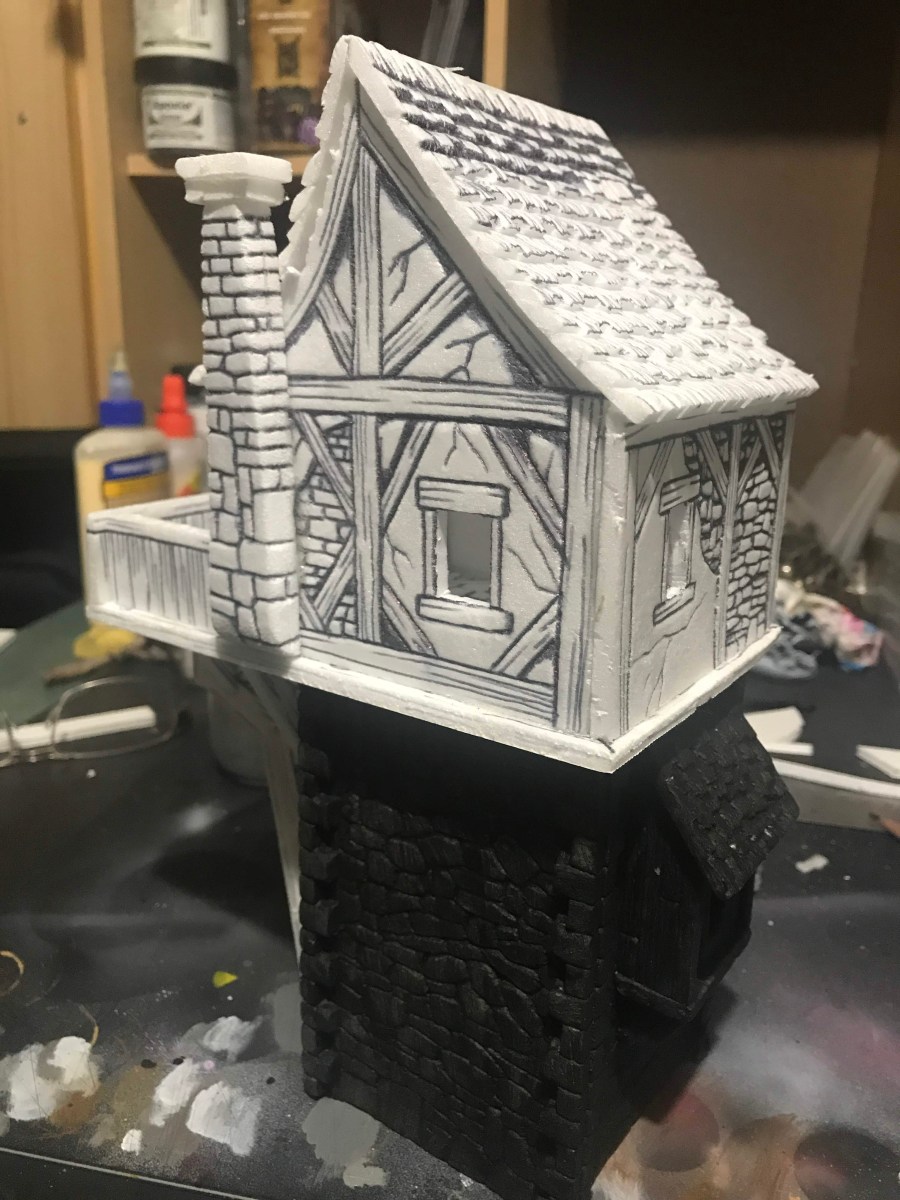
The chimney was easier than any that I have ever done before. I used Gorilla Glue to bind to pieces of foamcore together, which is easier to carve into than traditional glue. Plus, the foaming action of the glue really binds the foamcore together. A little hot glue to add the top, and it’s pretty spiffy!
img_3434

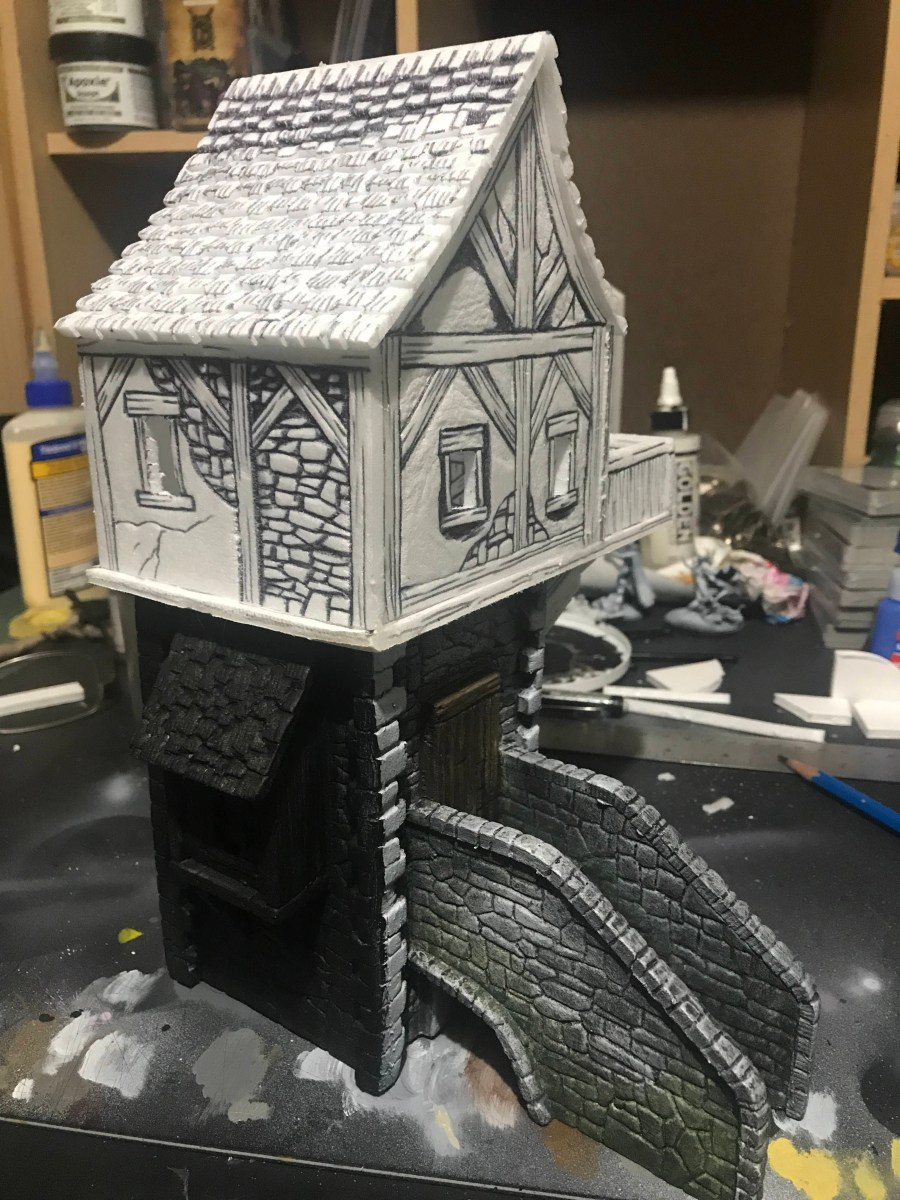
My other favorite detail of this piece is the curved slant in the roof, which throws the “safe” feeling of the building completely out the window. It’s something that I was never able to to with traditional foamcore building, but without the paper holding things in place, the foam form was easy to bend into place. Hot glue just made it stay there once it got there!
img_3433

Next up, the whole thing gets sealed in a mix of black paint and wood glue, then it’s time to paint!